DaVinci Resolve 21 Aims at Lightroom
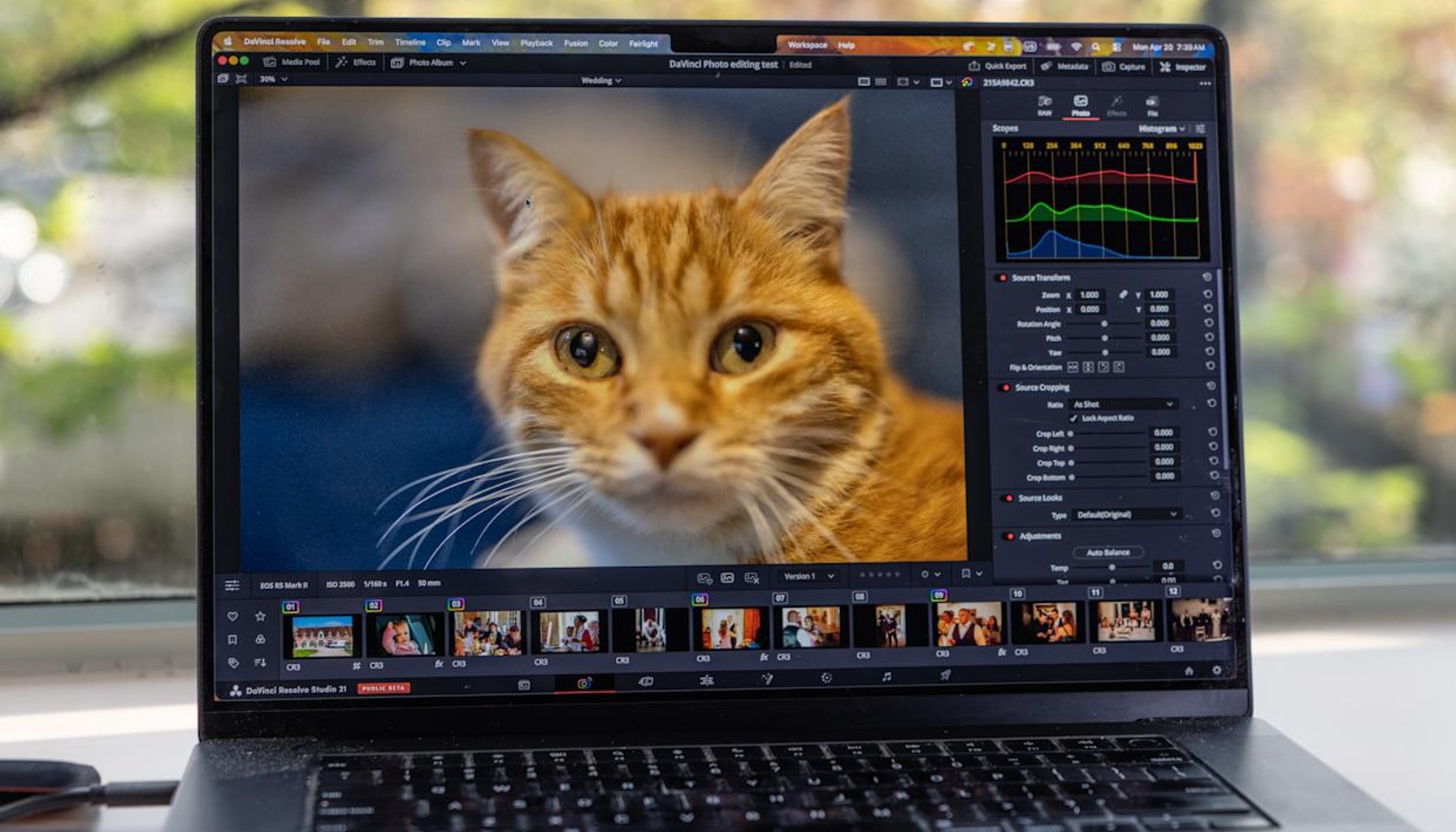
Lightroom just found a rival for casual shooters.
Blackmagic Design has rolled out a new Photo page in DaVinci Resolve 21, a beta feature that lets you import RAW images and edit them with Resolve’s legendary color tools. In hands-on testing, the feature set isn’t just “color grading for stills”—it brings the studio’s VFX chops and some AI-powered effects into a photo workflow that’s traditionally ruled by Lightroom. The pitch is simple: why toggle between two apps when one tool can handle video-grade color and stills editing? The catch, as testers note, is that this is a beta in a program best known for video, not photography, and early builds can be buggy.
Price and access shape the decision for the curious. The Photo page lives inside the DaVinci Resolve Studio edition, the paid tier priced at about $295 that includes lifelong updates. The free version of Resolve remains, but testers who wanted the full Photo page found themselves using Studio to access the new features. That friction matters: it means you can’t simply abandon Lightroom for free and pick up a few new RAW tools; you’d be paying a one-time fee for a feature set that’s still evolving. One reviewer even considered canceling their Adobe Photography plan (about $20 per month) if Resolve matured, underscoring how a compelling enough tool could tilt ongoing subscription economics for casual shooters.
RAW support is expanding. Resolve 21 offers RAW photo import from Canon, Fujifilm, Nikon and Sony, with Blackmagic promising additional camera brands in short order after new models hit the market. That interoperability is meaningful for studios juggling video and stills in the same pipeline, and it positions Resolve as more than a video-first exception in a crowded editing market. The beta’s camera support, however, is a moving target; the promise of more brands “shortly after release” will be watched closely by pros who depend on predictable, month-to-month camera compatibility.
From a practitioner’s standpoint, there are real tradeoffs that stand out beyond the marketing line about AI features. For video pros who occasionally shoot stills, the Photo page could streamline workflows: you’re grading color, applying looks, and pushing assets into edits without exporting to a separate photography app. For photographers who have built muscle memory in Lightroom’s catalog and nondestructive editing, the switch isn’t trivial. The beta notes emphasize that this is early-stage software, and the first builds are buggy enough to slow—rather than accelerate—real-world work. In other words, Resolve’s Photo page shows promise, but it’s not yet a drop-in replacement for established Lightroom-centric pipelines.
Two to four concrete takeaways for the market:
Verdict: Wait for maturity before fully migrating Lightroom workflows. If you’re a die-hard Lightroom user, this beta is intriguing but not yet a replacement. If you crave an all-in-one toolkit that doubles as a video-grade editor and a photo editor, and you’re willing to pay a one-time Studio fee for long-term updates, DaVinci Resolve 21’s Photo page is worth monitoring as it heads toward a more stable, production-ready release.
- DaVinci Resolve 21 hands-on: A viable Lightroom alternative for casual usersengadget.com / Source role not classified / Published APR 20, 2026 / Accessed APR 20, 2026