Old Chromebook becomes dedicated Home Assistant terminal
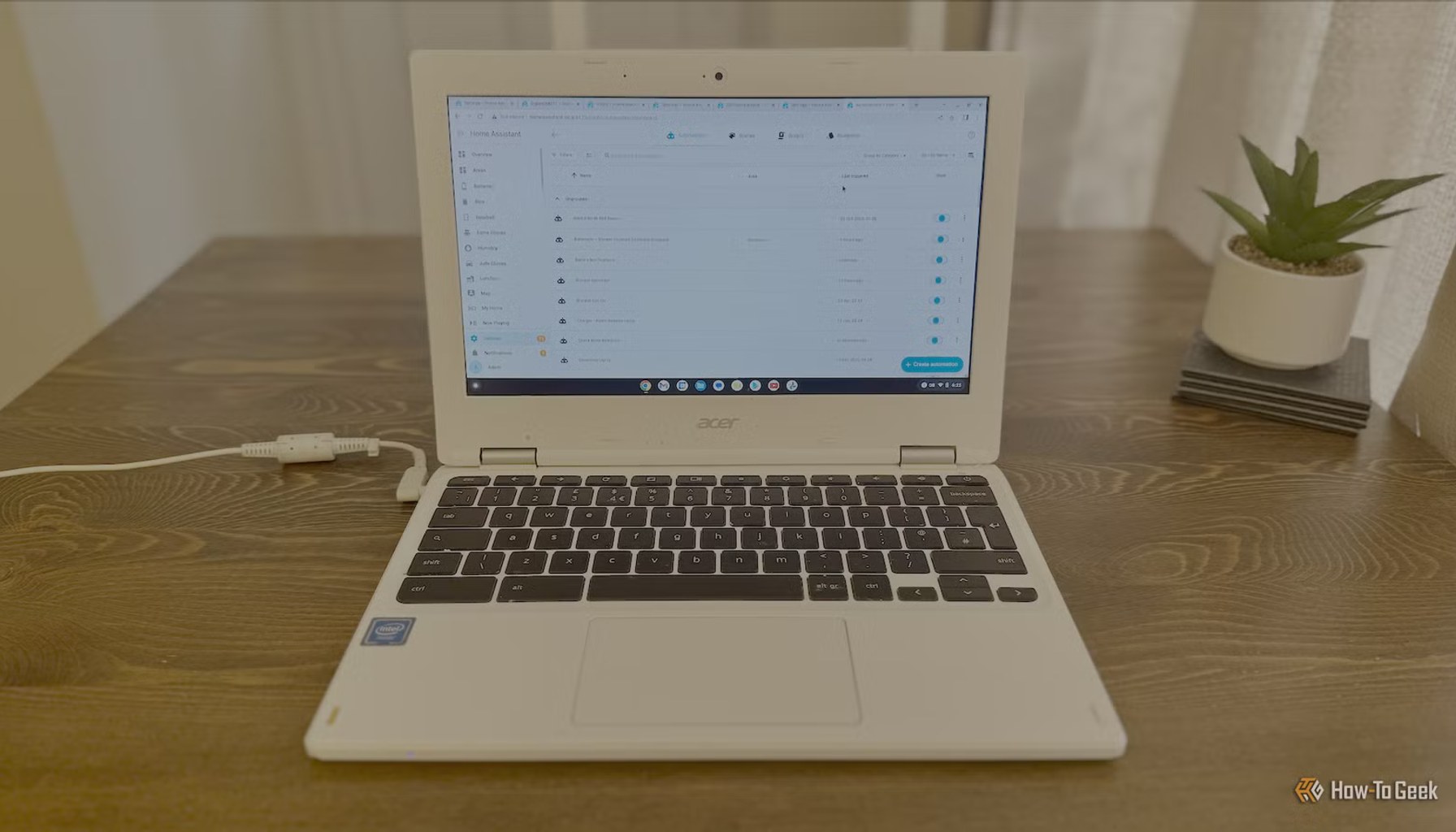
Image / How-To Geek Smart Home
An old Chromebook just became a dedicated Home Assistant terminal.
When a device’s shell shows its age, most people recycle or replace it. Not this writer, who kept a slightly broken Chromebook out of the trash and repurposed it as a nerve center for a smart home. The result is a lean, purpose built control surface that sits on the desk like a quiet, always on dashboard instead of a general use laptop you pull out only when something is broken or complicated.
The idea is simple but potent: move away from multi purpose machines toward a dedicated terminal that runs the Home Assistant ecosystem. In practice, that means a single place to view dashboards, trigger automations, and check the status of connected devices without pulling up a full laptop or reaching for a phone. The owner describes it as “way more useful than I expected,” a win for folks who want quicker, more reliable access to home automation controls.
From the cost side, the story emphasizes repurposing what already exists. There’s no new hardware or subscription to speak of in this setup, since the Chromebook was already available and Home Assistant can run with open source tooling. That makes the project appealing for budget conscious households or anyone trying to curb waste by extending the life of aging gear. The implied math is simple: you avoid buying a dedicated tablet or a new mini PC when you only need a focused interface for automation tasks.
But there is a catch. This isn’t a plug and play gadget; it’s a tinkerer’s solution. The tradeoff for a lean, local control hub is a certain degree of setup work and a willingness to repurpose consumer hardware. Old Chromebooks aren’t purpose built servers, so users should expect a learning curve and some limitations intrinsic to repurposed devices. The upside is a highly private, responsive control point that’s less dependent on cloud queries and external services than a typical consumer smart home dashboard.
Industry observers note a broader appeal in stories like this: as home automation habits mature, there is growing interest in localized control surfaces that reuse aging hardware, cut costs, and reduce reliance on cloud footprints. For households that already own an older Chromebook, the barrier to trying a Home Assistant terminal is low, and the payoff, quicker access to dashboards and switches without jangling multiple devices, can be meaningful, especially for those juggling many automations.
What to watch next? Expect more makers and tech curious homeowners to test dedicated terminals for home automation, not only on Chromebooks but on other repurposed devices as well. The appeal rests on three pillars: cost efficiency by reusing existing hardware, enhanced privacy through local control, and practical simplicity when you need a single, reliable interface for a growing roster of devices. If this approach gains traction, we could see more detailed, plug and play options emerge that preserve the core benefits while smoothing out the setup hassle.
In short, repurposing an aging Chromebook into a Home Assistant terminal offers a tangible, low cost pathway to a more approachable smart home control point. It won’t replace full fledged servers for everyone, but it proves that a neglected piece of hardware can become the brain of a household, provided you’re willing to roll up your sleeves and pack it with a focused purpose.
- I gave my old Chromebook a second life as a dedicated Home Assistant terminalHow-To Geek Smart Home / Mainstream / Published JUN 28, 2026 / Accessed JUN 29, 2026