Zigbee networks grow stronger as you add devices
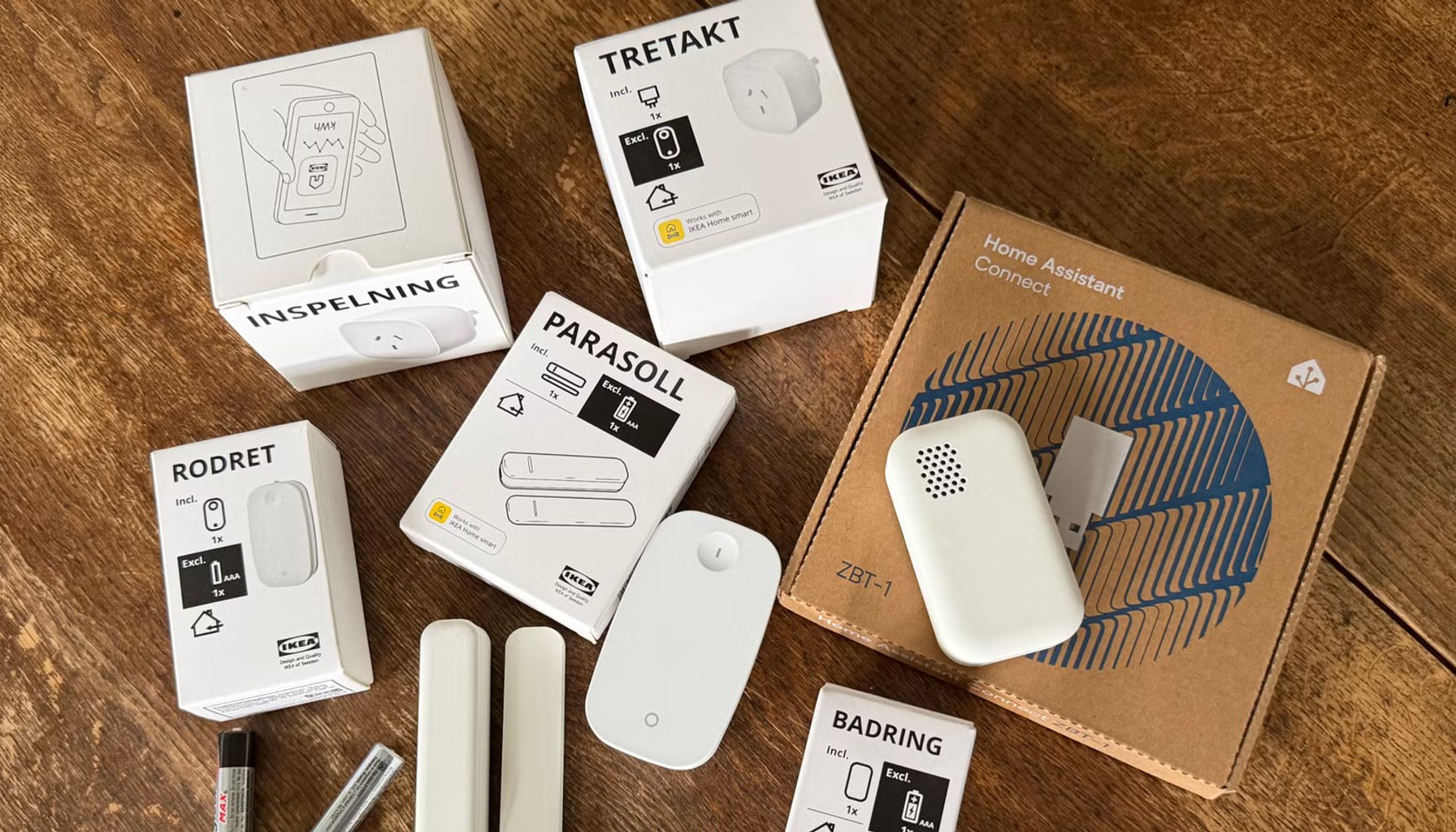
Image / How-To Geek Smart Home
That is not marketing buzz, it is the core of how Zigbee mesh networks work. Zigbee uses a quilt of interconnected devices to route data from sensors to the hub, and each powered device that can repeat signals adds new paths, reduces bottlenecks, and shaves latency. The idea is not that more gadgets mean chaos but that the right devices create a sturdier backbone. The source's core claim is simple: your mesh gets better as you populate it with devices that can act as reliable routers, not just end points.
For many households, that translates into a practical playbook. Start with a hub or bridge that supports Zigbee, then seed the network with a handful of powered repeaters, such as smart plugs, dedicated Zigbee routers, or similar devices, that remain on and able to forward traffic. Those repeaters establish extra routes around walls, floors, and other obstacles, so a motion sensor in one room can feed its alert to the hub through multiple lanes rather than a single weak corridor. Battery-powered sensors and remotes are fine, but they tend to sleep to conserve energy; relying solely on those sleepy devices can slow responses or break the continuity the mesh needs. A modest mix of powered repeaters and battery devices tends to yield the most resilient setup.
From a cost perspective, Zigbee’s appeal is straightforward. There is no recurring subscription for the technology itself; you pay for the devices and, if needed, a hub or bridge that coordinates them. If you already own a Zigbee-capable hub, adding more devices is a one-time device cost rather than an ongoing line item. That makes Zigbee a compelling option for expanding a smart home without inflating monthly bills. Of course, the total spend scales with the number of devices you want to support and how aggressively you want to fill gaps in your home’s layout, but the model remains predictable: buy what you need, then rely on software updates and device diversity to keep the mesh robust.
The catch, as always with home networks, is tied to ecosystems and privacy. While Zigbee itself is a standardized protocol, many users end up leaning into a specific hub’s ecosystem to unlock full features, automations, and app access. That can create vendor lock-in: a switch to a different brand’s hub may complicate device compatibility or require reconfiguring scenes and automations. Privacy matters too, because the hub often acts as the central point where activity data passes through, and privacy practices vary by vendor. In effect, the more densely you populate the mesh, the more data flows through the hub, which heightens both the potential for analytics and the risk surface if a device or hub is compromised or poorly secured.
For readers eyeing the setup, two tradeoffs matter. First, channel and placement discipline: place powered repeaters in strategic locations to maximize path diversity without creating interference or dead zones. Second, future-proof with interoperability in mind: a mixed fleet of brands that support the same Zigbee profile can reduce risk of future lock-in, but you’ll want to verify how routines cross device lines and how firmware updates impact automations. The takeaway is pragmatic: expand the mesh thoughtfully, and your home’s smart network rewards you with reliability and speed.
- This smart home network gets better the more devices you add (and it's not Wi-Fi)How-To Geek Smart Home / Mainstream / Published JUN 18, 2026 / Accessed JUN 19, 2026