Protect Smart Home Devices in a Heatwave With Shade, Airflow and a Full Power-Off
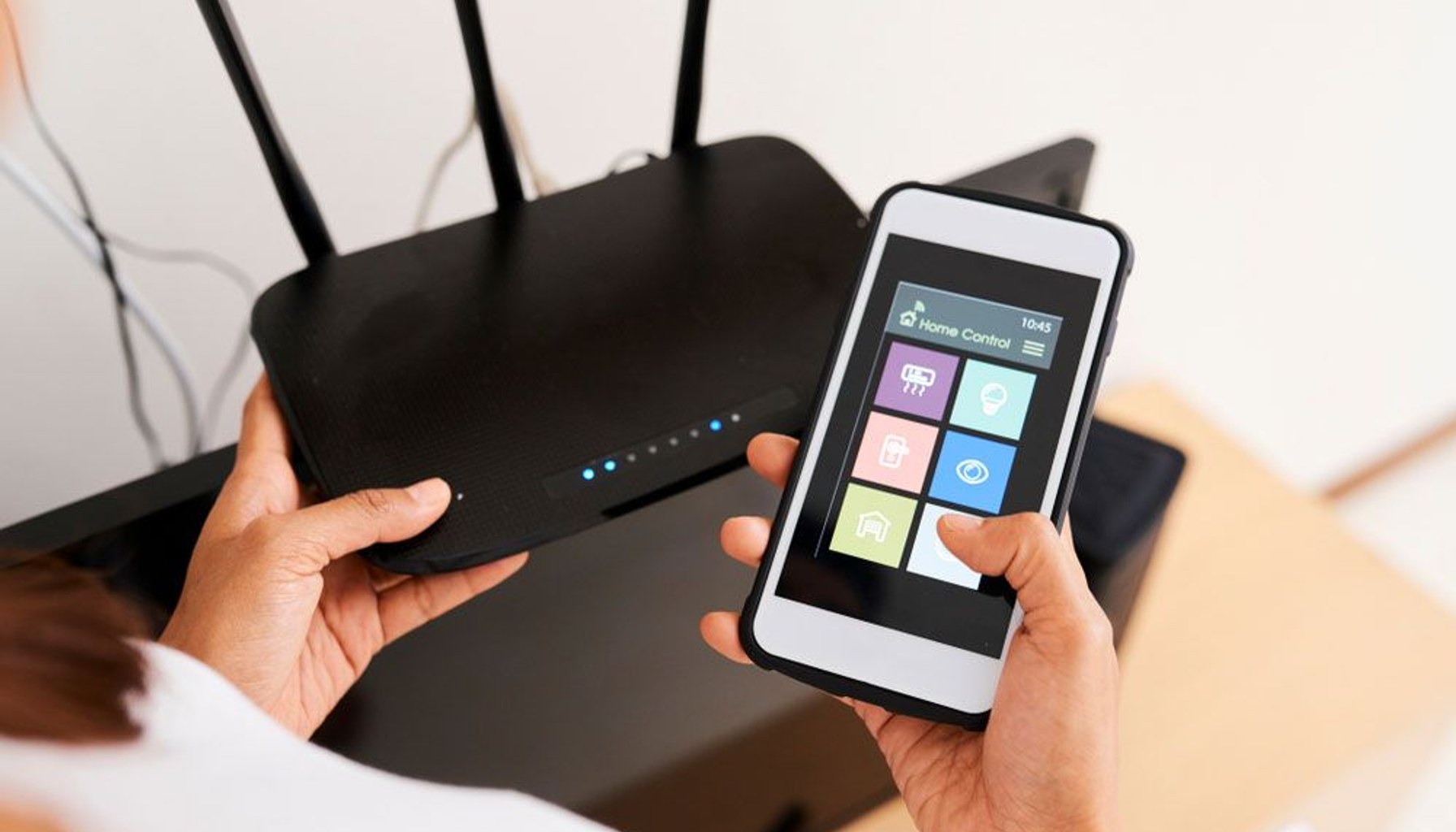
Image / tomsguide.com
Moving a hub or camera away from a sunny window costs nothing, while replacing heat-damaged gear can mean buying into the same app, cloud account and subscription system again.
Smart home gadgets do not need to be outdoors to run too hot. Indoor cameras, smart hubs and plugs can struggle during a heatwave if they sit in direct sun, near other heat sources or inside cramped cabinets with little airflow.
Tapo tech expert Michael Fernandes recommends starting with the simplest fix: move devices away from windows and direct sunlight. Glass can significantly intensify indoor heat, making window-adjacent devices especially vulnerable. Closing blinds or curtains during peak sunlight can also lower the temperature around a camera, hub or plug without changing the device itself.
Direct sun is not the only problem. A smart hub tucked behind a television, a plug squeezed behind furniture or an indoor camera placed in a small enclosed shelf can trap heat because air has nowhere to circulate. Give devices open space around them and avoid placing them near radiators or in already-warm kitchen areas.
The warning signs are practical rather than dramatic. Fernandes says overheating can cause devices to run more slowly, drop their Wi-Fi connection or restart unexpectedly. Repeated heat exposure can also accelerate battery degradation and shorten a device’s useful life.
The third tip is the least convenient but most effective for gear that does not need to run continuously: switch it off and unplug it. Smart plugs, spare indoor cameras and unused hubs do not need to remain on standby through a heatwave. Disconnecting them removes their own power-related heat and reduces strain on batteries and internal components.
There is a catch for smart-home owners who rely on always-on automation. Unplugging a hub may take connected routines, alerts and remote access offline, while disconnecting a camera can eliminate surveillance coverage precisely when homeowners are away. Before powering anything down, check what else depends on it in the same app or ecosystem.
Tapo says smart-home devices are designed to handle a reasonable range of temperatures, but it does not establish one safe temperature for every hub, camera or plug. That limit varies by product, and consumers should check the operating-temperature specification in their own device documentation before assuming a hot room is safe.
For buyers, the practical verdict is wait before replacing a device that seems unreliable during hot weather. First move it out of the sun, improve ventilation and power down unused gear. If problems persist after the device has cooled and is operating within its stated temperature range, replacement may be warranted.
The privacy and lock-in cost is easy to overlook. Replacing a failed smart camera or hub can mean returning to the same cloud account, app permissions and, in some cases, paid storage plan. Free heat management is worth trying before spending money on new hardware or deepening an ecosystem commitment.
- How to protect your smart home gadgets in a heatwave — 3 expert tips to do right nowtomsguide.com / Mainstream / Published JUL 16, 2026 / Accessed JUL 21, 2026