Track Mail with Home Assistant in Six Ways
Six hacks let you track mail and packages from your couch.
Home Assistant can turn ordinary mail day into a predictable routine, tying delivery events into a single control hub. HowToGeek’s recent guide lays out six practical paths to monitor packages, mail arrivals, and the moment a carrier hands over a parcel. For readers who want fewer missed deliveries and less mystery about when a box will show up, the approach is appealing, but it comes with real tradeoffs in cost, privacy, and setup effort.
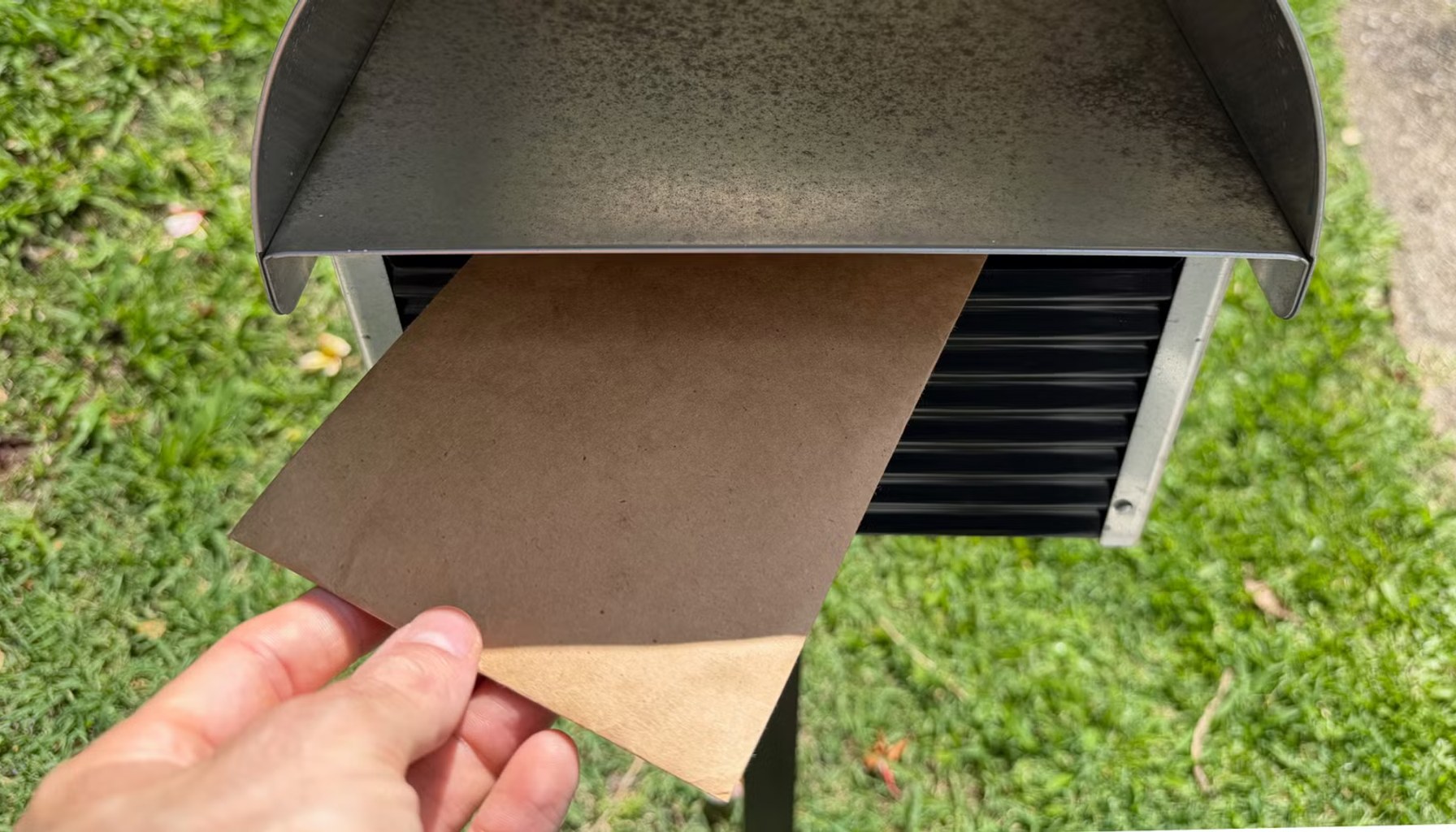
One straightforward route is to use a smart mailbox or door sensor. A simple magnetic sensor on the mailbox or the front door can fire automations when the lid opens or closes, when the mailbox is touched, or when the doorbell camera notes activity. This approach gives you a local log of events and can trigger alerts if nothing happens during a typical delivery window. The upside is that it relies on inexpensive hardware and keeps data largely on your network. The downside is that it can miss subtle delivery signals if the cage or latch is not the trigger, and it won’t by itself distinguish a delivery from a neighbor borrowing mail.
The second path leans on cameras and doorbells. A supported camera can capture arrival moments and, with Home Assistant, feed a timeline of activity that you can review later. Camera-based tracking can deliver richer context, such as who placed a package, whether a seal was intact, or how long the driver lingered at the curb. Privacy concerns escalate here: video streams are more sensitive, and cloud-based processing or external access raises exposure risks. A self-contained, local processing setup helps, but adds configuration complexity and storage considerations.
Third, you can automate tracking from carrier updates received by email or text. Many shipment notices arrive with tracking numbers and ETAs, and Home Assistant can parse those messages to update a parcels log, estimate delivery windows, and surface status changes in dashboards or mobile alerts. The value is keeping all updates in one place, but the catch is that parsing can be brittle if message formats change, and you still depend on the reliability of the inbox service and any cloud components used for parsing.
Fourth, there is the option to log tracking numbers via a mobile form or quick-entry workflow and attach them to a parcel record. This can be as simple as typing a number into a home automation form or using a mobile keyboard shortcut to attach a tracking ID. It empowers you to build a tailored history of shipments without tying your data to a specific carrier app, but it requires discipline to keep records current and may feel manual compared with automatic email parsing.
Fifth, NFC or RFID tagging can automate detection when a package is placed in the home, or when tagged mail passes a threshold in a doorway or sorter. This approach offers a highly precise signal and can be very reliable in controlled entry points, but it also means adding tags to packages or investing in additional readers, which adds hardware expense and a potential friction point for couriers or house guests.
Sixth, calendar and scheduling integrations help you model expected delivery windows. By wiring deliveries to a calendar, you can surface reminders for when to expect a knock or to adjust plans around a late arrival. This is a quieter signal compared with live video or door events, but it can be a useful planning tool, especially in households with tight schedules or shared delivery responsibilities.
Total cost varies with how deep you go. A basic setup using existing devices or inexpensive sensors can stay modest, while camera-based or RFID-enabled approaches push into higher ranges and may require some ongoing subscription or cloud services for parsing or alerting. The free, local-first nature of Home Assistant is appealing to those who want to keep data in their own network, but the more you rely on cloud parsing, the more you should weigh long-term costs and privacy implications.
The catch is clear. The more you track, the more data you generate about your routines, guests, and home access, and you may become dependent on specific integrations or vendors. If you lean on cloud services for parsing or analytics, you may face changes in pricing, feature availability, or data-control terms. For shoppers who value privacy and control, a lean, local-first setup is attractive but might require more hands-on configuration and ongoing maintenance.
Still, for households juggling multiple deliveries or living in a busy urban cycle, the payoff can be real: fewer missed packages, clearer expectations, and a centralized view of delivery patterns that you can adjust over time.
- 6 ways to track mail and package deliveries with your Home Assistant smart homeHow-To Geek Smart Home / Independent source / Published JUN 14, 2026 / Accessed JUN 14, 2026